Want to know The Truth About CPM?

21 January 2016

Stupid Programming Tricks No. 28 -- LCM, 7z, and Planning migrations

How long can Yr. Obt. Svt. be wrong?

The answer to that question is apparently indefinitely.  And the task so trivial.  Sigh.

The problem

This post was supposed to be one in my Compleat Idiot’s Guide to PBCS series and I will use some screenshots from a future post on on-premises to PBCS and back migration but I got hung up on making this work.

And then I realized I made the same mistake at a client.  Remember what consultants are supposed to do:  help customers.  I did, sort of, but I made my task much harder.  Sorry.

Let’s walk through this using PBCS although as you will see the issue is exactly the same in on-premises.  Sigh.

The Brotherhood of Man

I have to give credit to my younger, taller, smarter brother from a completely different set of parents, Celvin Kattookaran.  In my hour of need (I have many, too many) he came through for me and didn’t even make all that much fun of me when he explained the answer.

Breaking LCM

I want to migrate an on-premises application to  PBCS.  I have the old Planning sample application from (I think) 11.1.1.3.  I have it working in both 11.1.2.3.500 as well as 11.1.2.4.  It’s a simple application, really simple, and I find simple hard enough as will be shown.

Please leave the premises

Here I am on my on-premises install of 11.1.2.4.  I click on Application Management and…
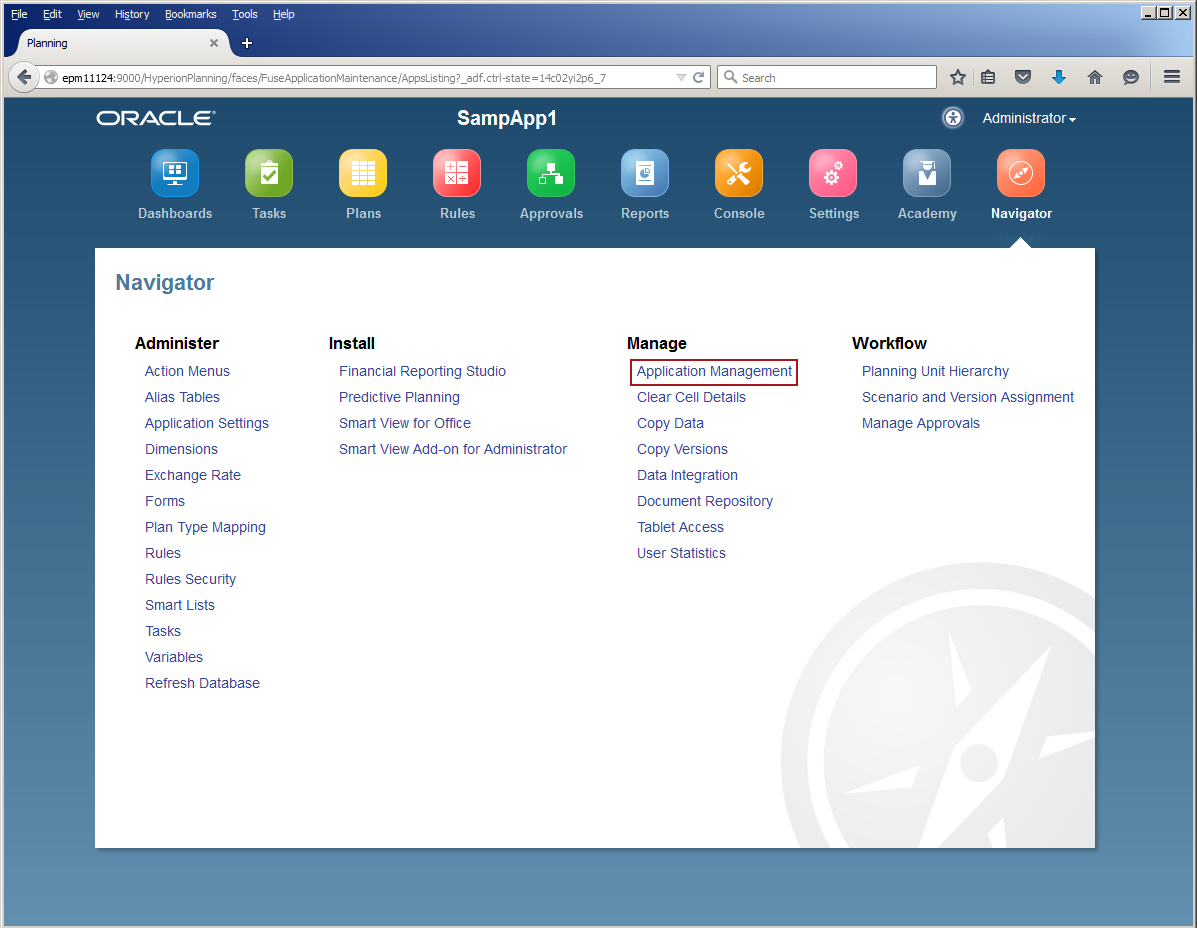
Here I am in good old Shared Services:
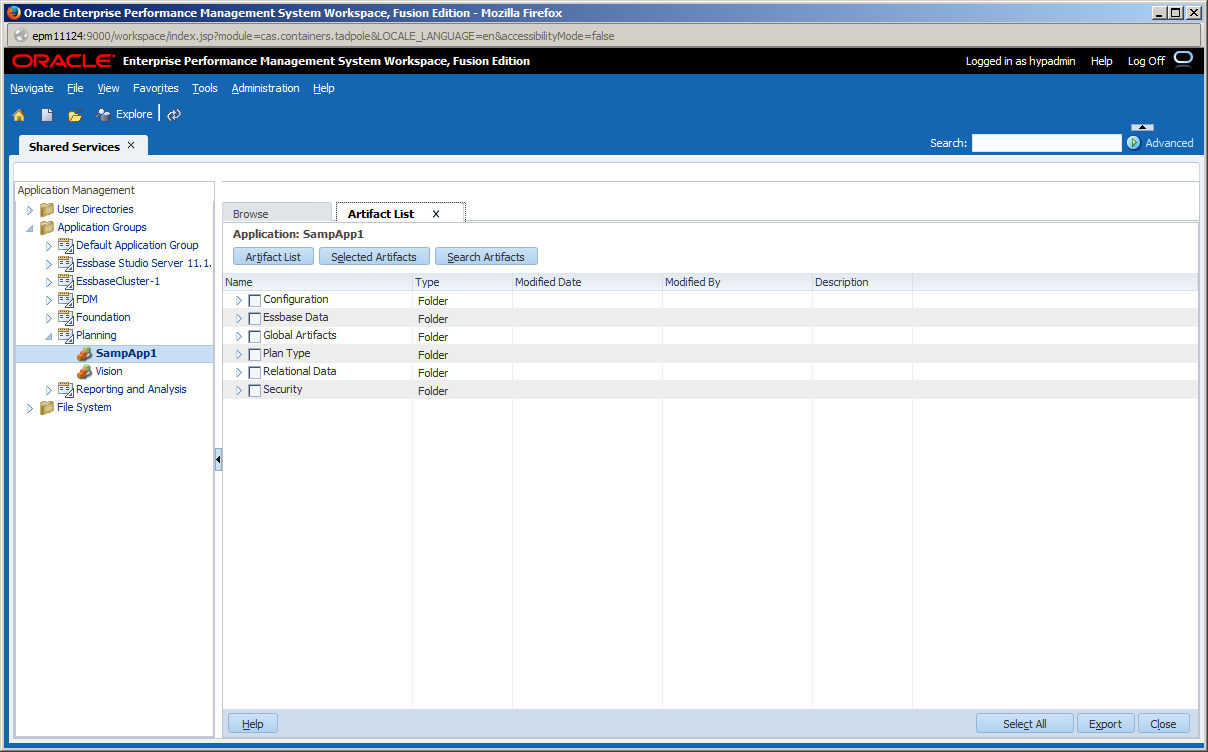
I then export the application file objects:
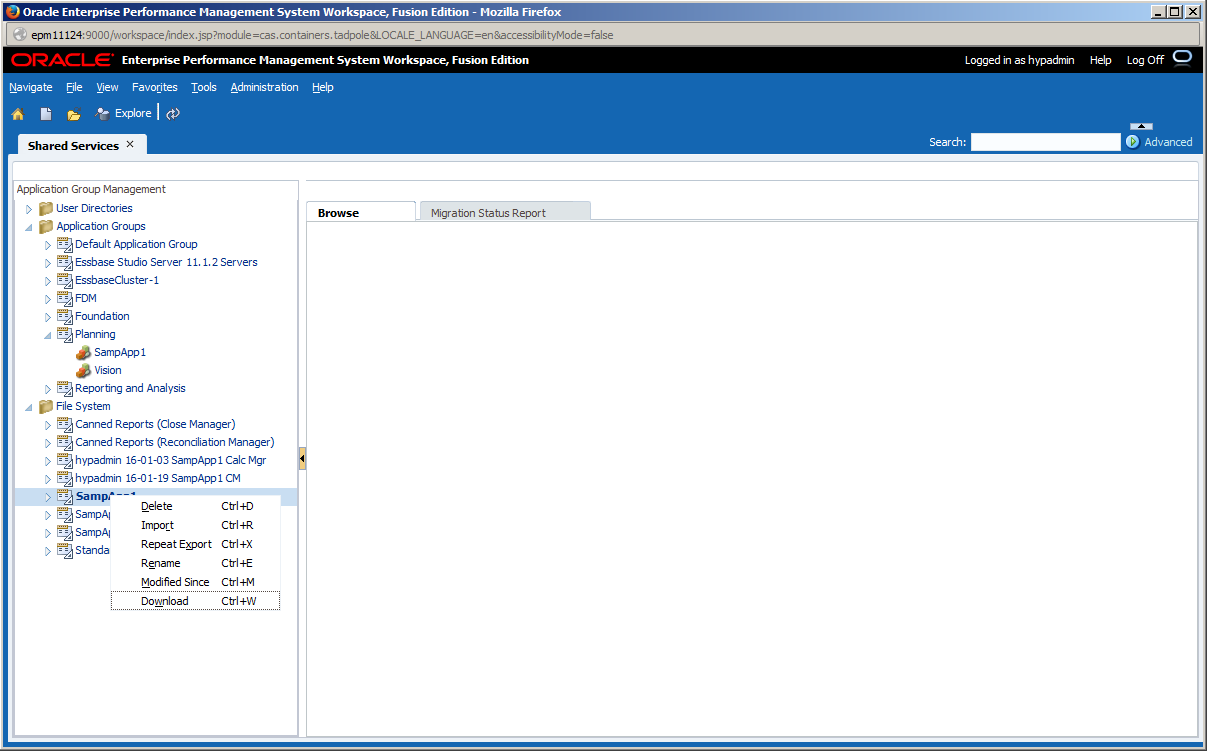
I’ve moved it to another my Windows 7 VM (I try to keep my 11.1.2.4 VM local only):
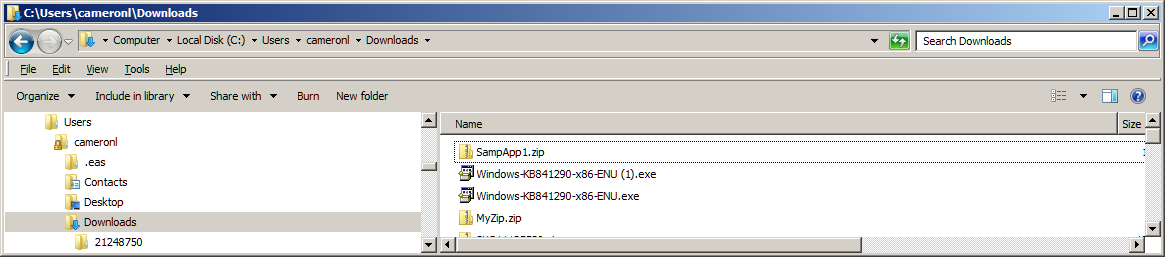
Not a cloud in the sky

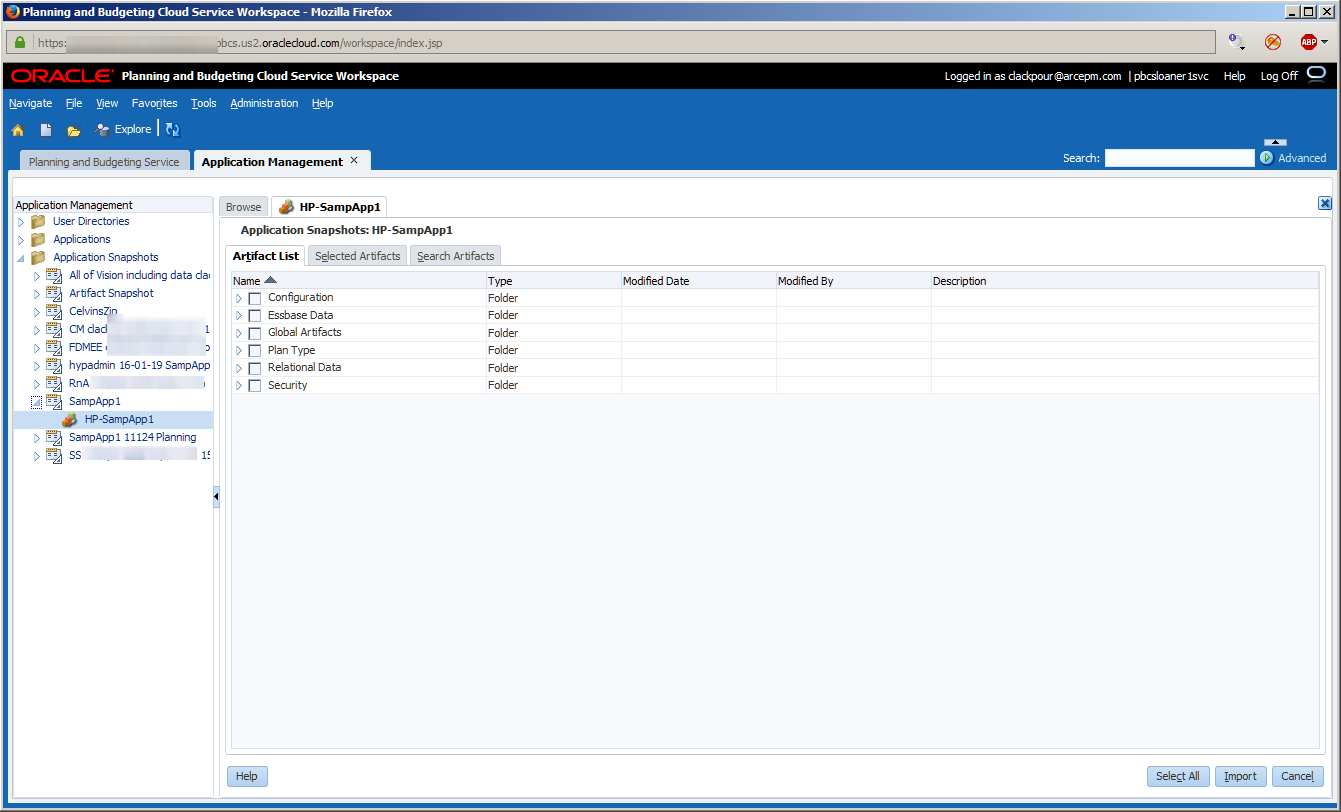
Here I am in PBCS’ Application Management.  It’s just about the same as Shared Services:
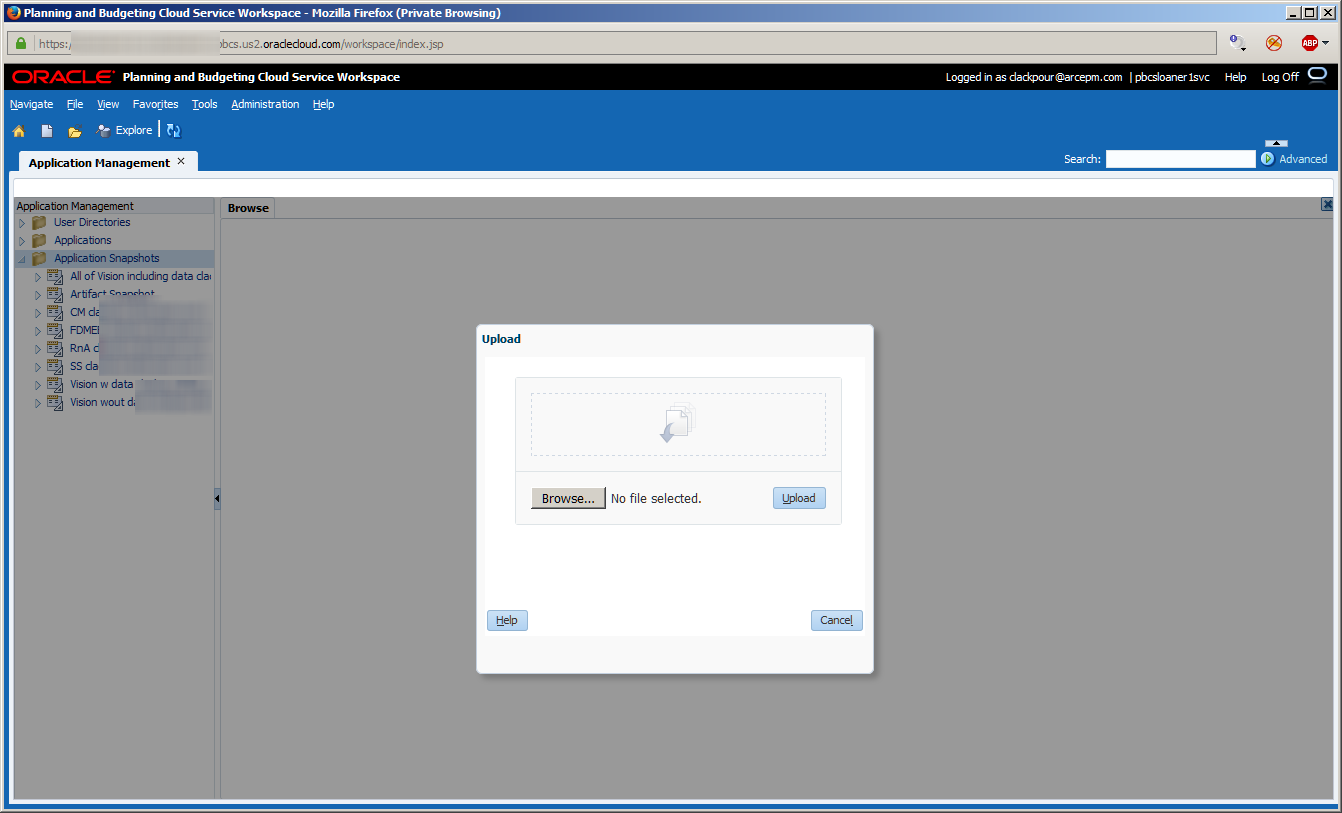
Upload the LCM zip file:
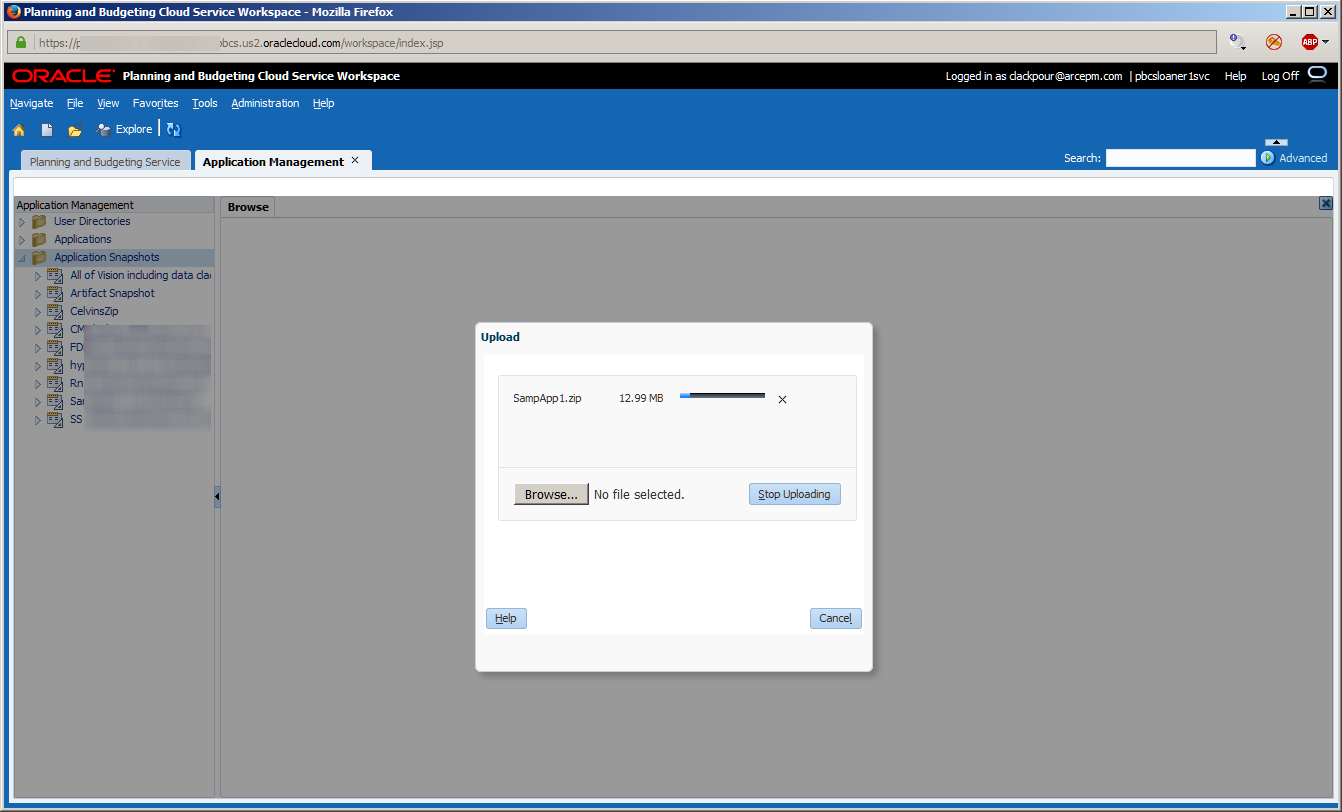
And, as expected, here are the artifacts in PBCS.  As Danny Kaye says, everything is tickety-boo.

So what’s the problem?

If I unzip the application download and then make a change, any change, or even no change at all, and then rezip the file I get this on reimport.

Here I am in 7-Zip, a really awesome WinZip open source clone.  Fwiw, I actually have WinZip (I even paid for it and don’t like violating licenses by installing it on more than one machine) on my bare-metal laptop but 7-Zip is free and has almost all of the functionality; in some ways it’s quite a bit more advanced.
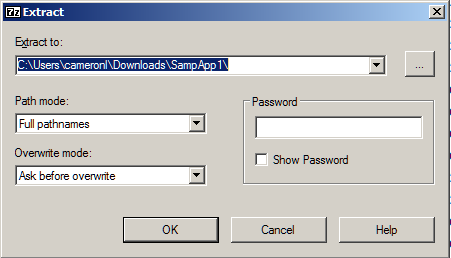
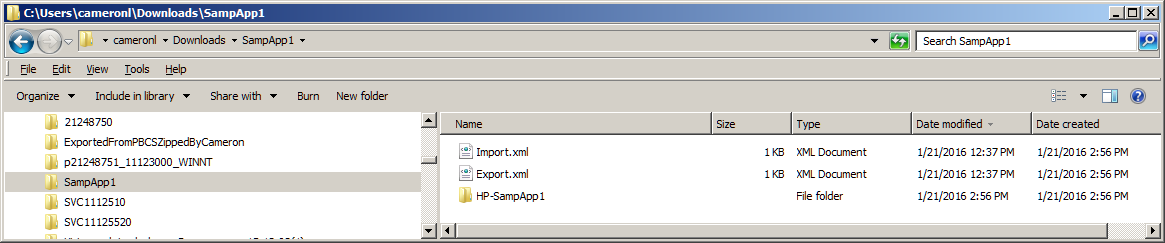
Here’s the folder unzipped.  If I were migrating this to an on-premises install I could copy this entire folder without compression to the import_export Shared Services folder.
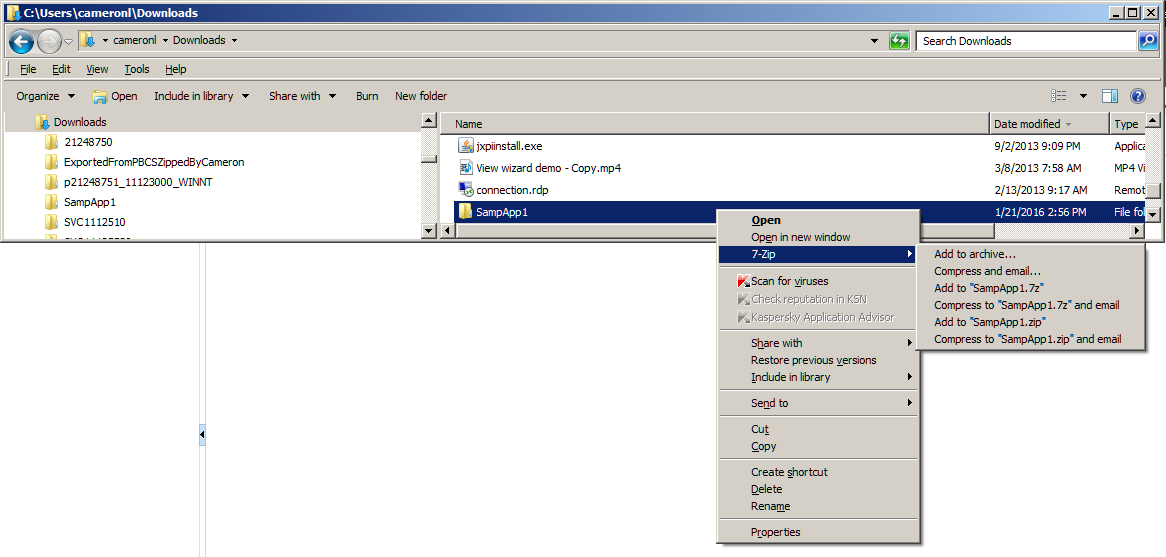
Now I’m going to zip this to SampApp1a.zip.  Note that not a blessed thing has changed to the contents.  Also note that the compression engine, be it 7-Zip or Windows’ own compression functionality, makes no difference.  
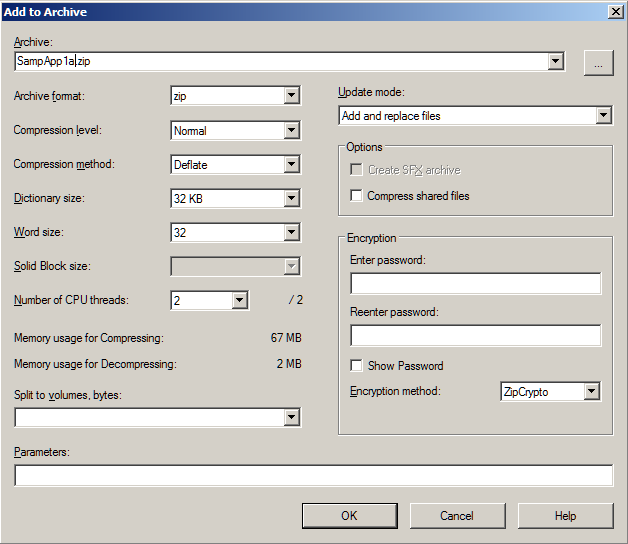
The below are defaults:
Zip-a-Dee-Doo-Dah indeed
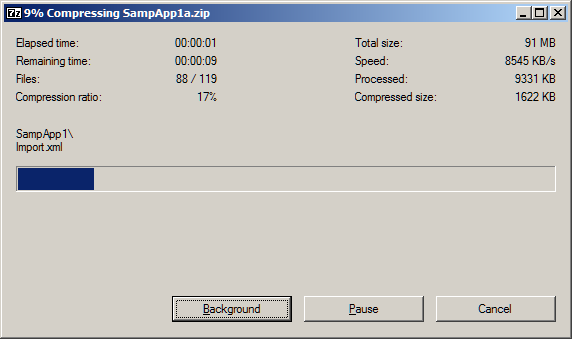

Uh-oh.  There’s a difference in size of the compressed archive.  How can that be?  Nothing and I mean nothing has been changed.  Oh well, there couldn’t possibly be anything to worry about yr. obt. svt. blithely thinks.

The upload goes swimmingly, I think.
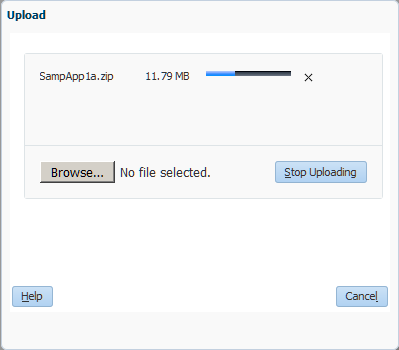
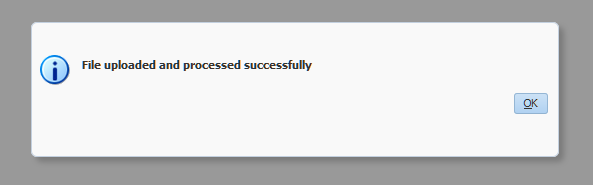
Oh how wrong I am despite this lovely message:
And what happens when I try to open the file?
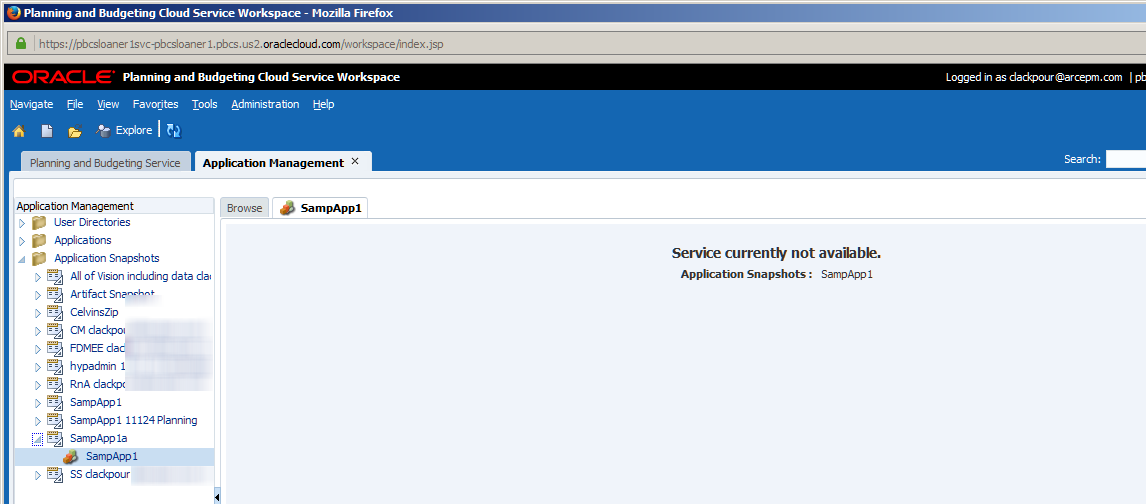
¡Ay, caramba!

Is the service really not available?  That’s silly as it’s clearly there and thus we see Yet Another Confusing Error Message.  Perhaps Oracle never anticipated someone doing something as boneheaded as is described below?  Probably.

Here’s the problem.  I zipped an unzipped folder and that was the issue.  Wot?  It’s the same, right?  Nope.

Here’s the zip file from Planning.
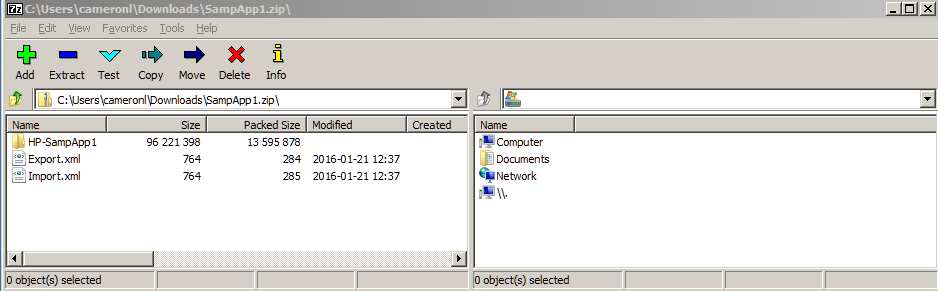
And here’s the unzipped-to-zipped archive.  Do you see what I did?  I zipped the SampApp1 folder within the archive.  What?
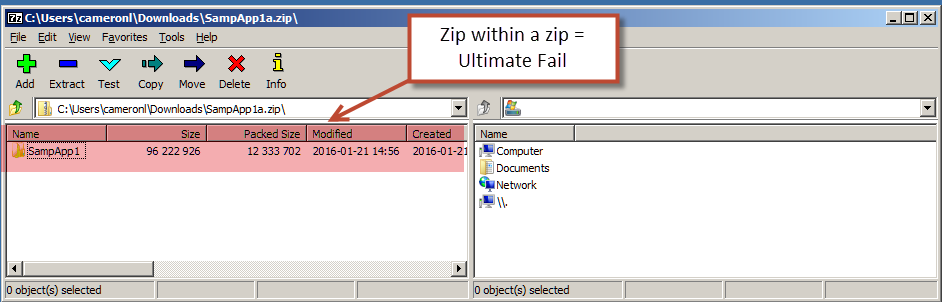
It actually makes sense – I zipped c:\users\cameronl\downloads\SampleApp1 to c:\users\cameronl\downloads.  The SampApp1 folder is part of the overall path and thus it gets included in the zip file.  Ultimatel Fail.  Although to be fair that isn’t actually an intuitive result.  Regardless, I should have looked into the zip archive itself but alas did not.

Nothing’s Impossible

The solution is to go into the SampApp1 folder and zip from there.
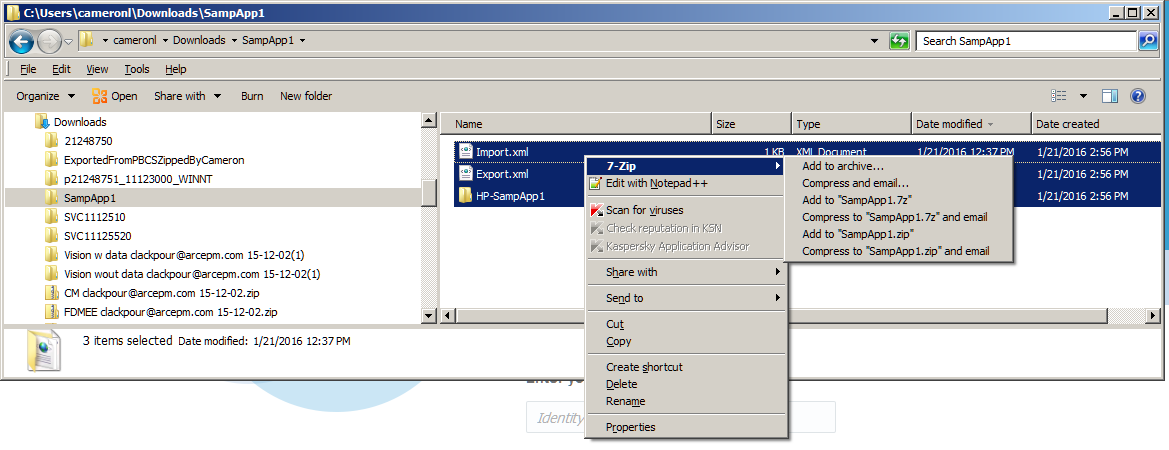
And here we go, just as LCM defines the file structure.
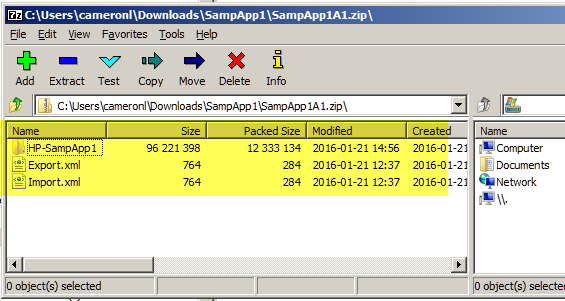
Success! Boil in bag!

Upload it and all is well.  Despite the changed (or in this case not changed) zip file.
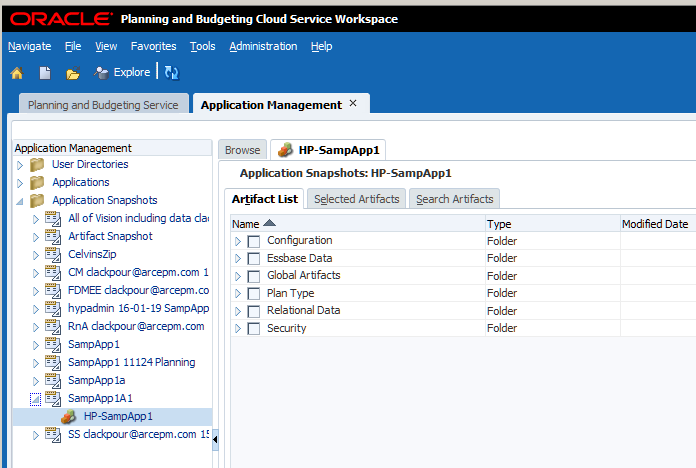
Ballin’ the Jack

And that’s it.  So trivial and so painful.

Oh yes, my poor unfortunate client.  Ugh.  I was tasked with splitting up a Planning application.  I downloaded the LCM xml files, did my modifications, zipped them back up and…failure.  Bugger.

As this was on-premises Planning, after a moderate amount of pain I was able to get access to the import_export folders and move the modified LCM files.  I understate the case:  getting that access was really painful.  If only I had begged on my knees asked for Celvin’s help back then.

May my errors not be yours.  

Great American Songbook

It’s difficult to tell if any of you ever click through on the hyperlinks I sprinkle throughout these posts.  Assuming that you do (or maybe assuming that you don’t) I thought I would give you a listing of the music (and one TV show and a few movies) so you can have some idea of my strange cultural tastes.  As I like to remind Natalie Delemar –  @EssbaseLady – popular culture pretty much doesn’t interest me much past 1965.  It shows.
 
In order:
  1. How to Succeed in Business Without Really Trying, The Brotherhood of Man, Robert Morse (The 1967 version is the OBC definitive version or as close as we can get save a time machine to get back to 1961.)
  2. The Honeymooners, Please Leave the Premises, Jackie Gleason aka The Great One, et. al.
  3. Merry Andrew, Everything is Tickety-Boo, Danny Kaye
  4. Song of the South, Zip-a-Dee-Doo-Dah, James Baskett
  5. Swing Time, Pick Yourself Up (medley), Andy Williams and Jack Jones
  6. That’s My Boy, Ballin’ The Jack, Dean Martin, Polly Bergen, and a guy who reminds me of me only with a lot more talent

I like to think that a hundred years from today The Great American Songbook will be what our descendants will view as the musical acme of the 20th century.  Jazz is America’s Classical Music, or at least it is on this blog.

Be seeing you.

14 January 2016

The Compleat Idiot's Guide to PBCS, No. 3 -- Managing PBCS

Quid Novi PBCS

Never fear, that’s the last Latin you’ll see in this post.  But I will indeed be covering what’s new in the administration of the PBCS service.  There’s a lot of interesting information available.  Remember, this isn’t about managing your firm’s Planning application but instead managing the PBCS instance.

NB – We still haven’t gotten to PBCS itself and that is the very next post but managing the Cloud is important.  

A warning, this is a very picture heavy post as there’s an awful lot to see.  Dial up (are there any left?) users probably ought to go get a cup of coffee.  Or two.  Perhaps grinding the beans wouldn’t be a bad idea.  Roasting from green wouldn’t necessarily be a bad idea either.  You get the idea.

One other thing – what I’m going to review isn’t what a user or even a Planning administrator would see but instead what Oracle calls the Service Administrator.  This person, whoever he is, manages the Cloud service(s) so this applies to more than just PBCS.

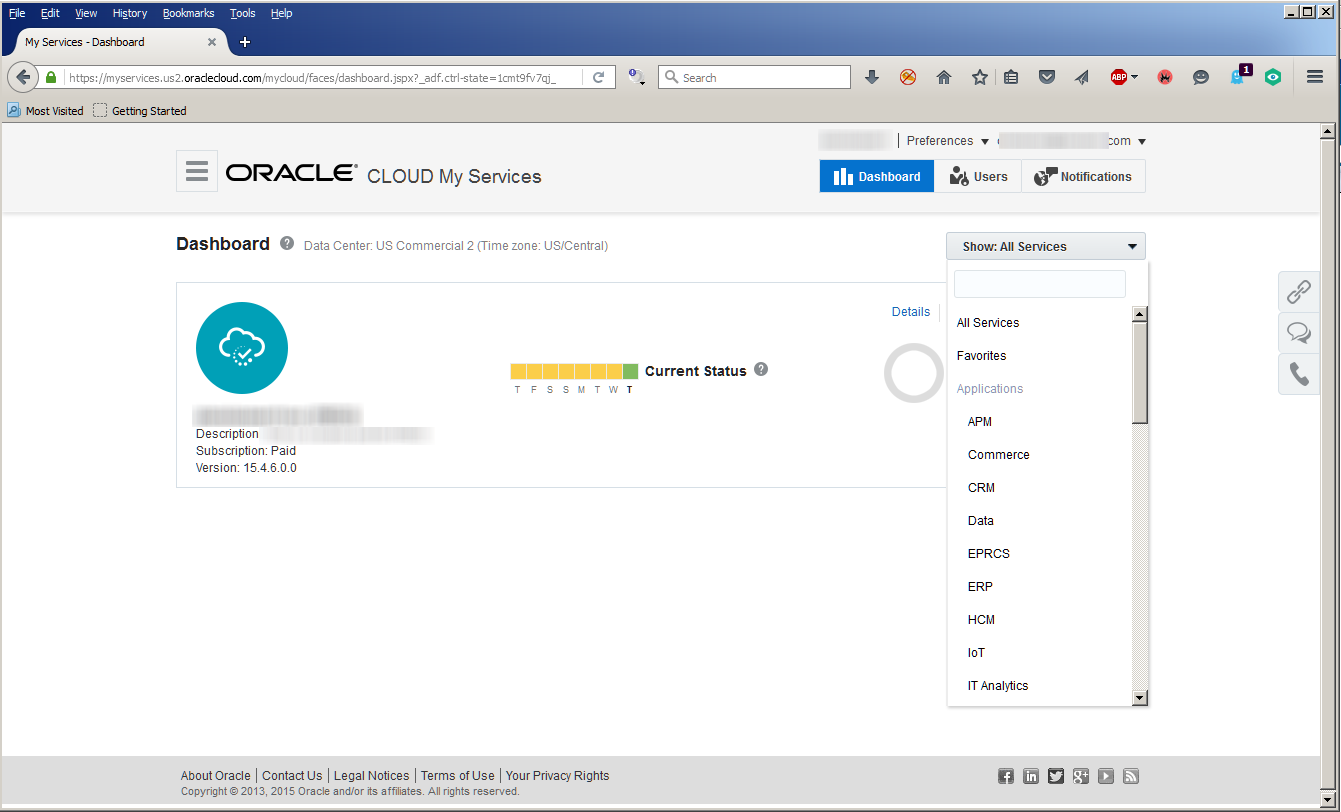
Oracle has a lot of Cloud offerings and they’re all managed through the Oracle Cloud My Services portal.

Wouldn’t this be nice?

It is.  As I’ve noted before, one of the things I like so much about PBCS is how Oracle bring useful information to the front instead of making you search through scads of documentation.

As an example, when I log in as a cloud administrator…

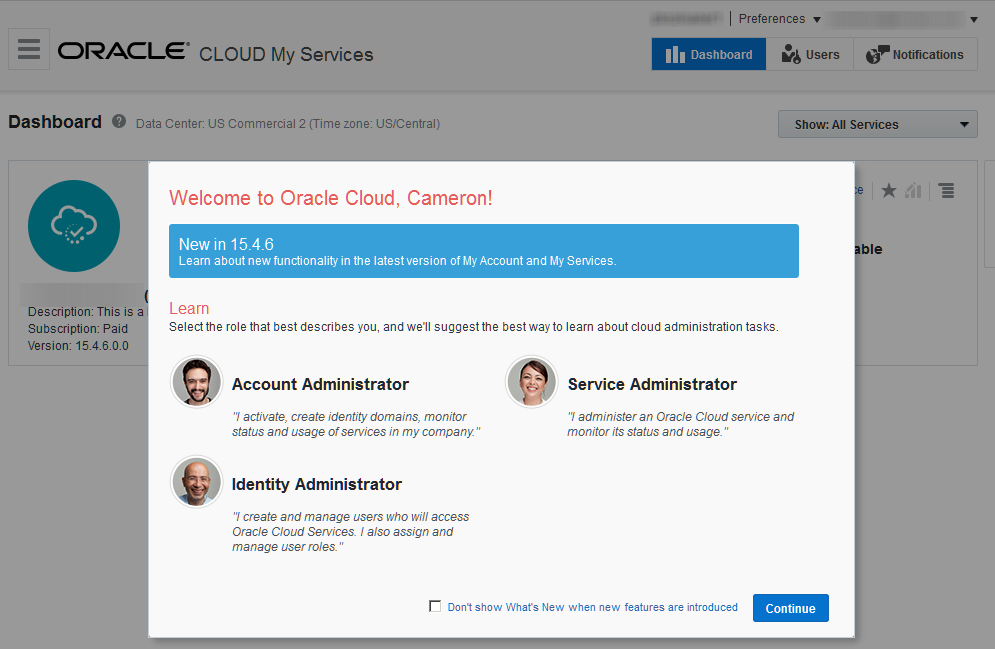
I see the below as I have my username set up to show this on login.

Do I want to know what the very latest and greatest about Cloud My Services (CMS)?  It’s right there staring me in the face.

Remember how I wrote about how great the PBCS documentation is?  It’s baked into the tool itself.  

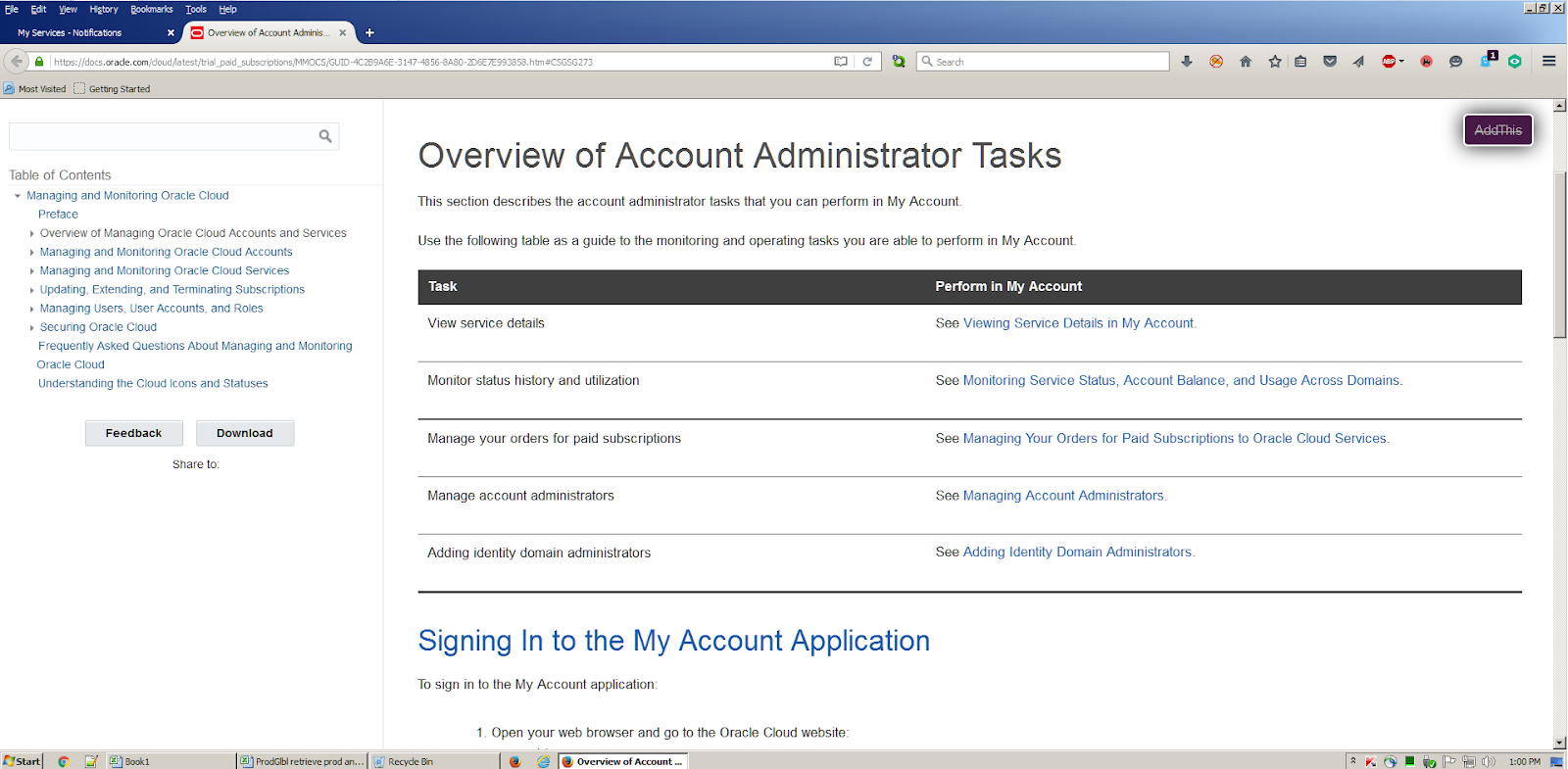
Clicking on the Account Administrator (AA) link takes me to all of the tasks an AA does and then shows how to do them.

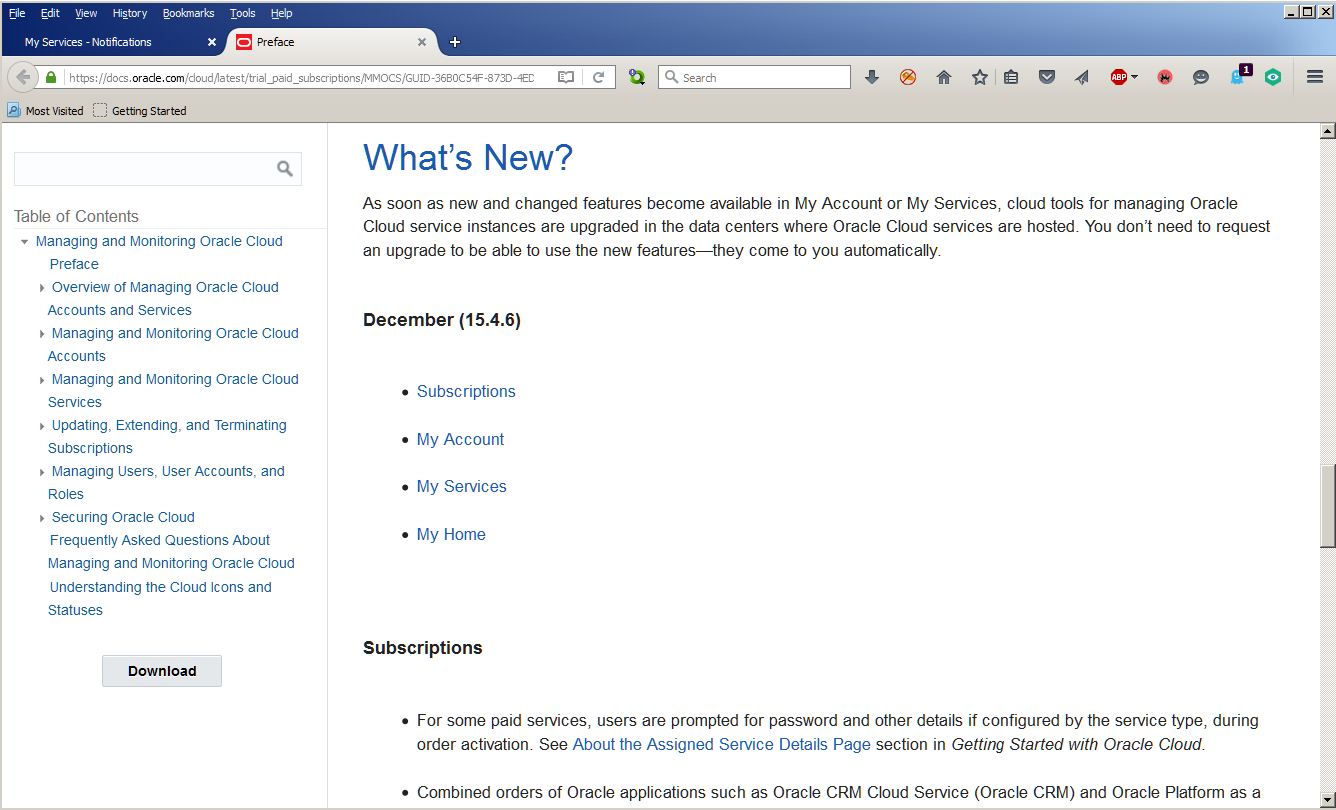
What’s new?

Want to know what the new CMS functionality is without searching through patches and ReadMes and all of the other stuff we need to do with on-premises tools?  Easy peasy.
NB – For you Frankie fans, that song (see the above section title link) is from one of his suicide albums.  Fun times.  Oracle Cloud doesn’t engender that feeling in me but rather the opposite.

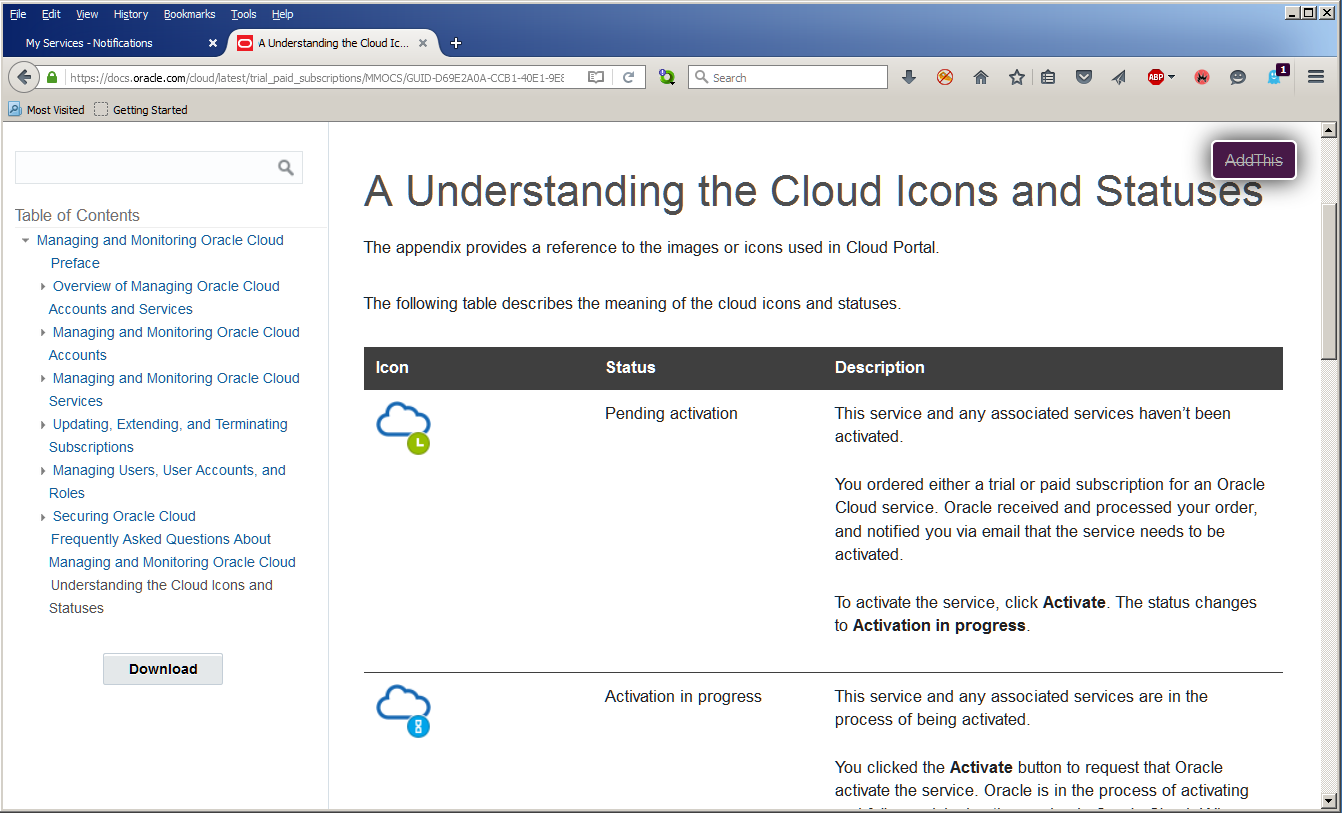
Want to understand what all the pretty icons mean? Click away.

The Surrey with the Fringe on Top

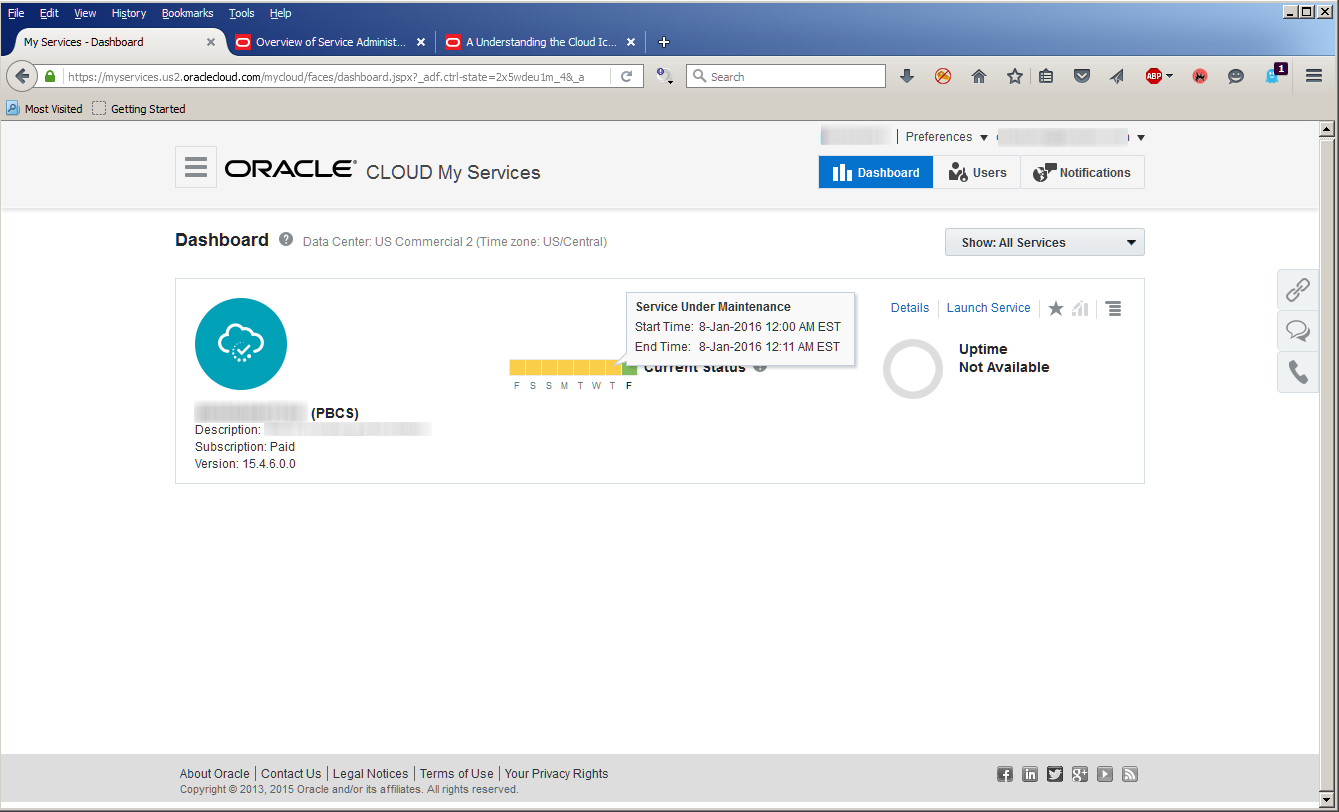
Once I get past the help panel, the next thing I see is the status of my PBCS instance.
Another American Songbook note: Mel Torme sings “…the dashboard’s genuine leather…” in the song.  Sometimes my references are too obscure.

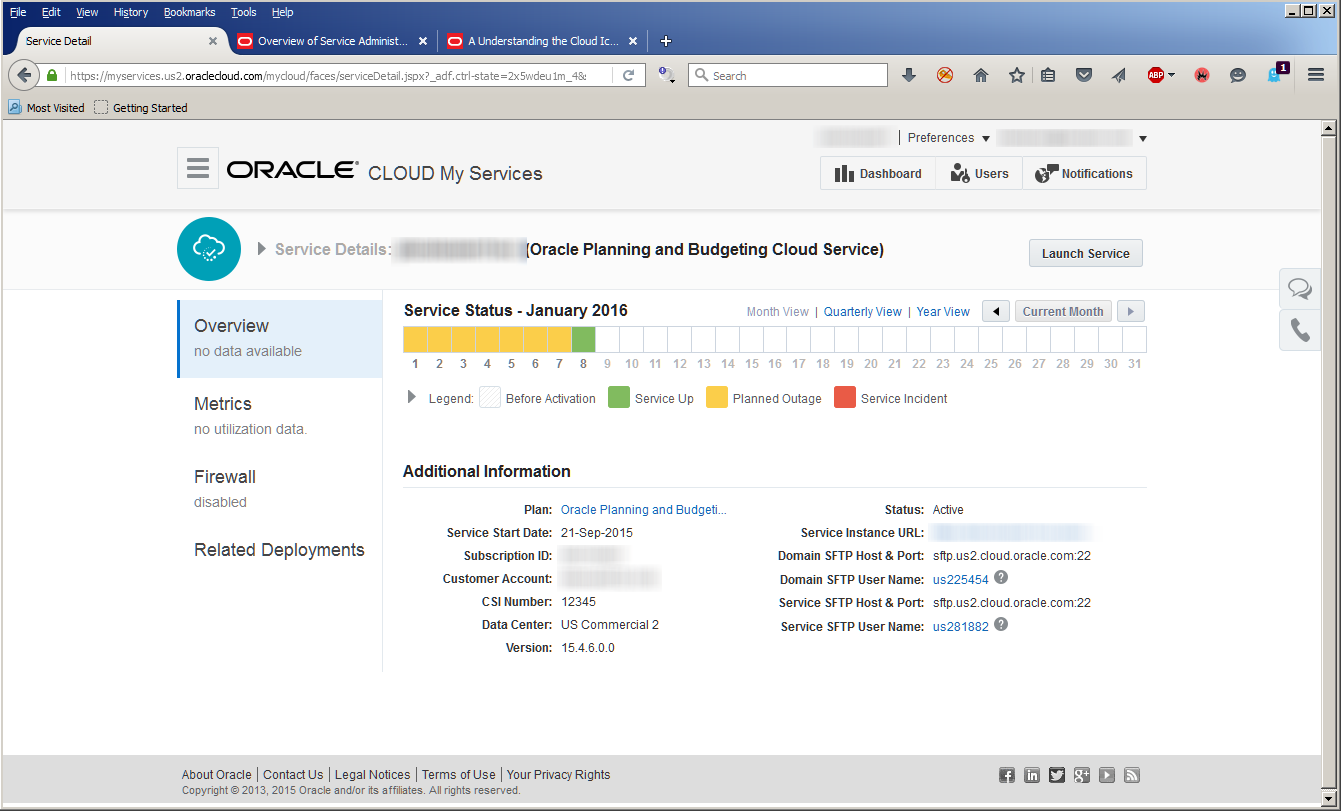
Back to reality, things are running well, thankfully.  Click on the Details button and I get, unsurprisingly, details.

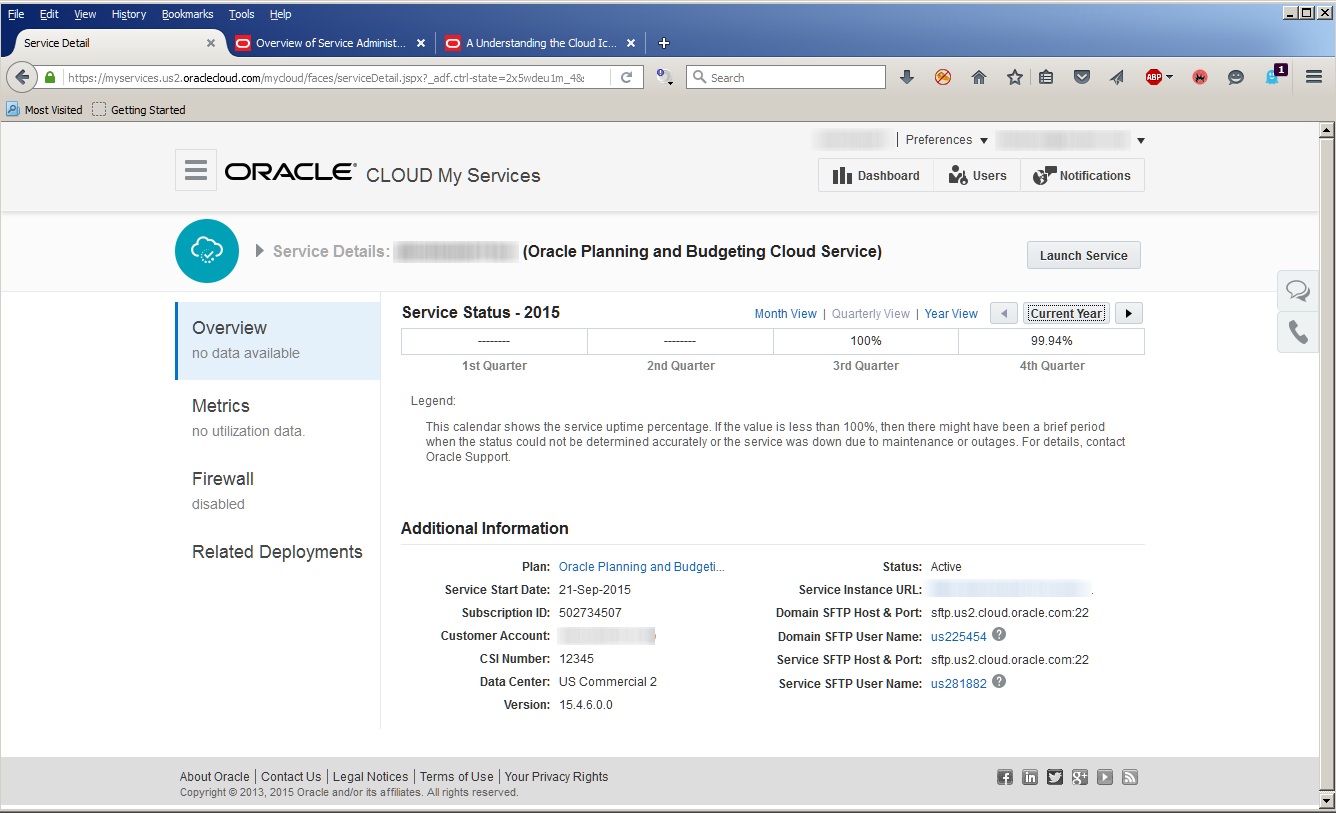
I can take a longer view of the service status – here’s the past year.

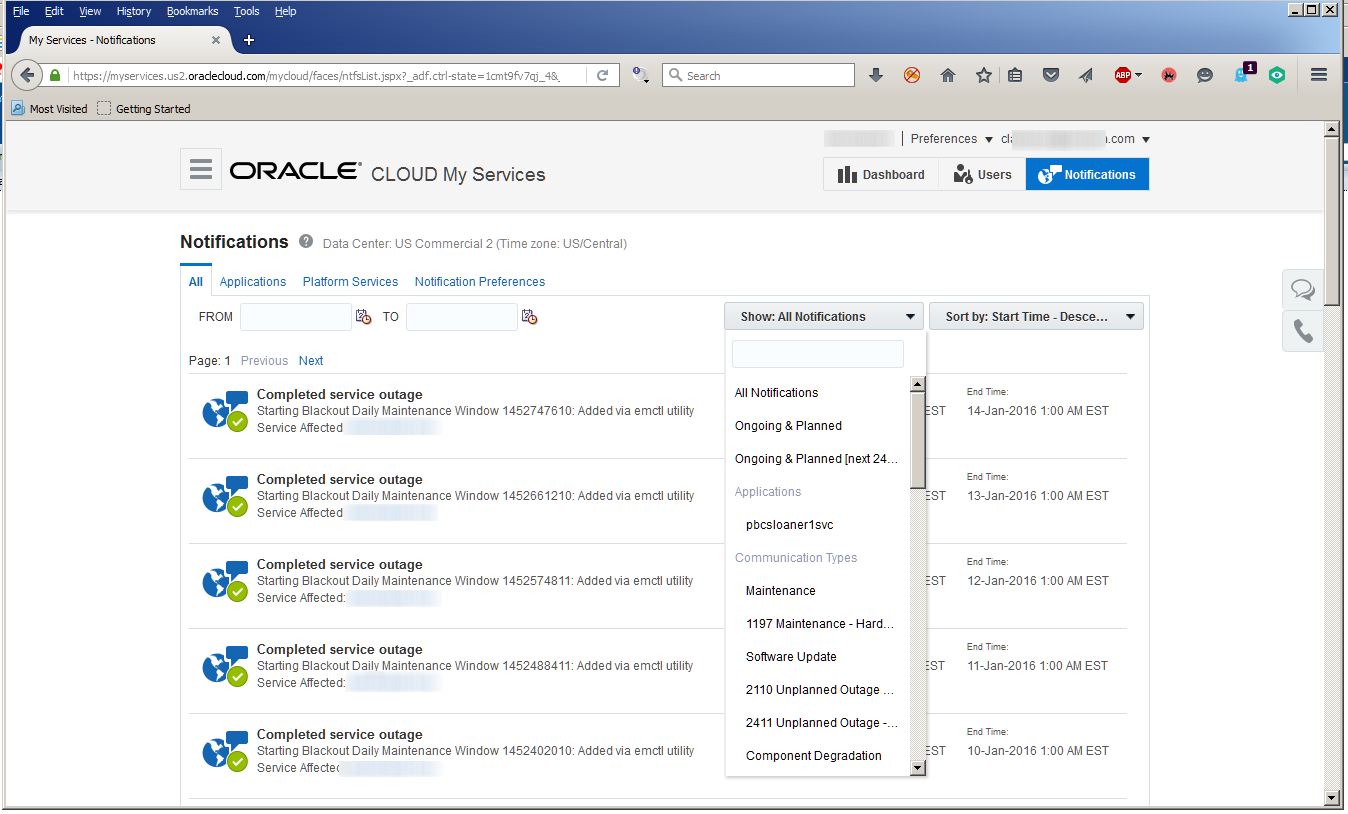
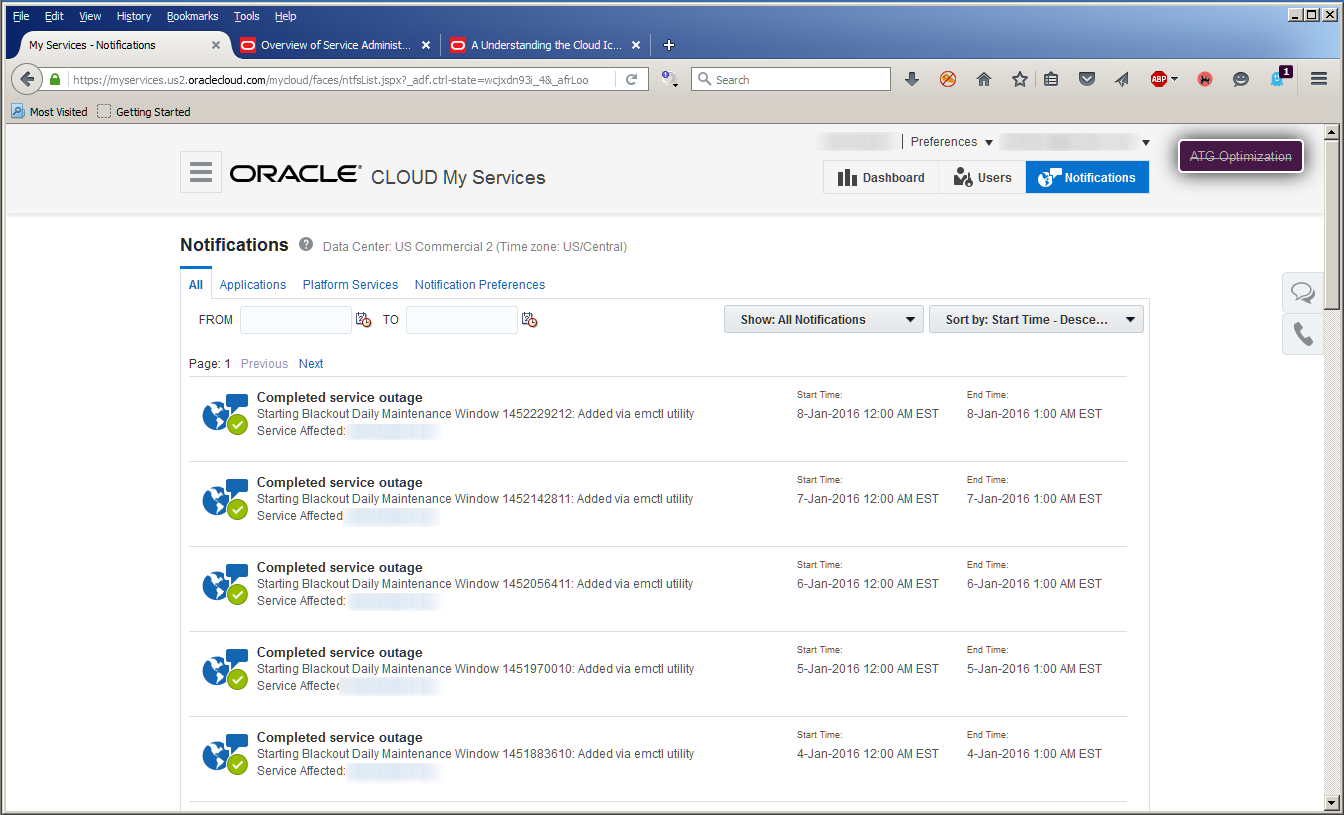
Navigation takes me to my pod’s service outages and all kinds of other metrics.

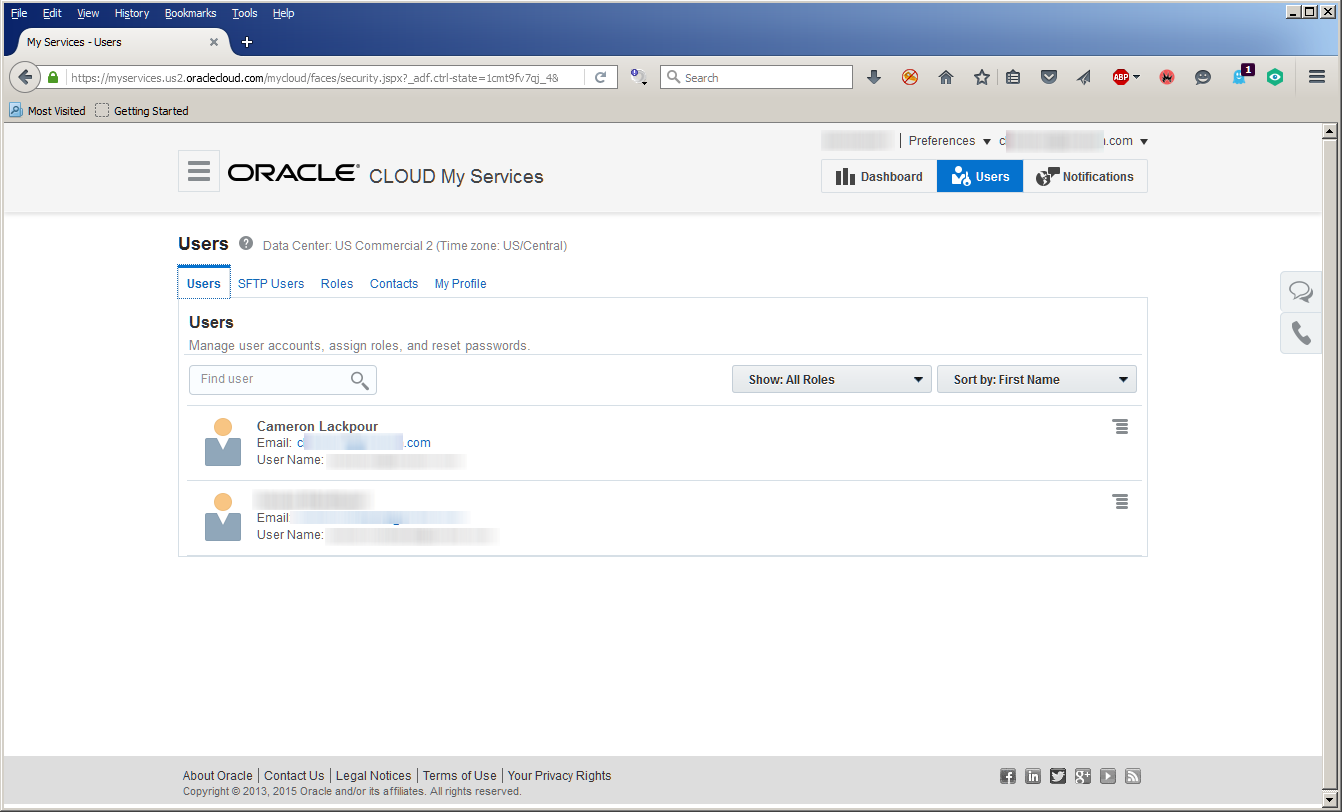
I can even see the Cloud (not actually users within PBCS but) user accounts.

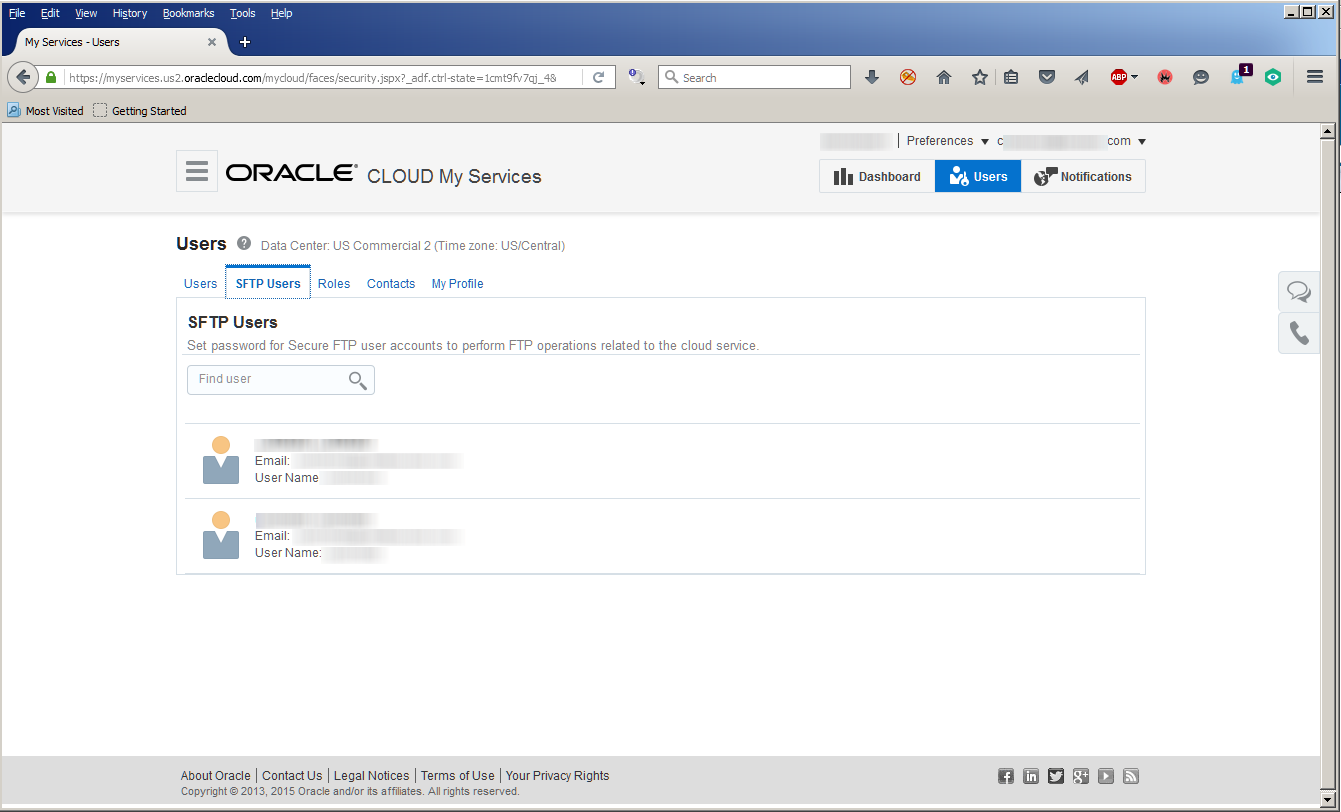
Users with FTP access:

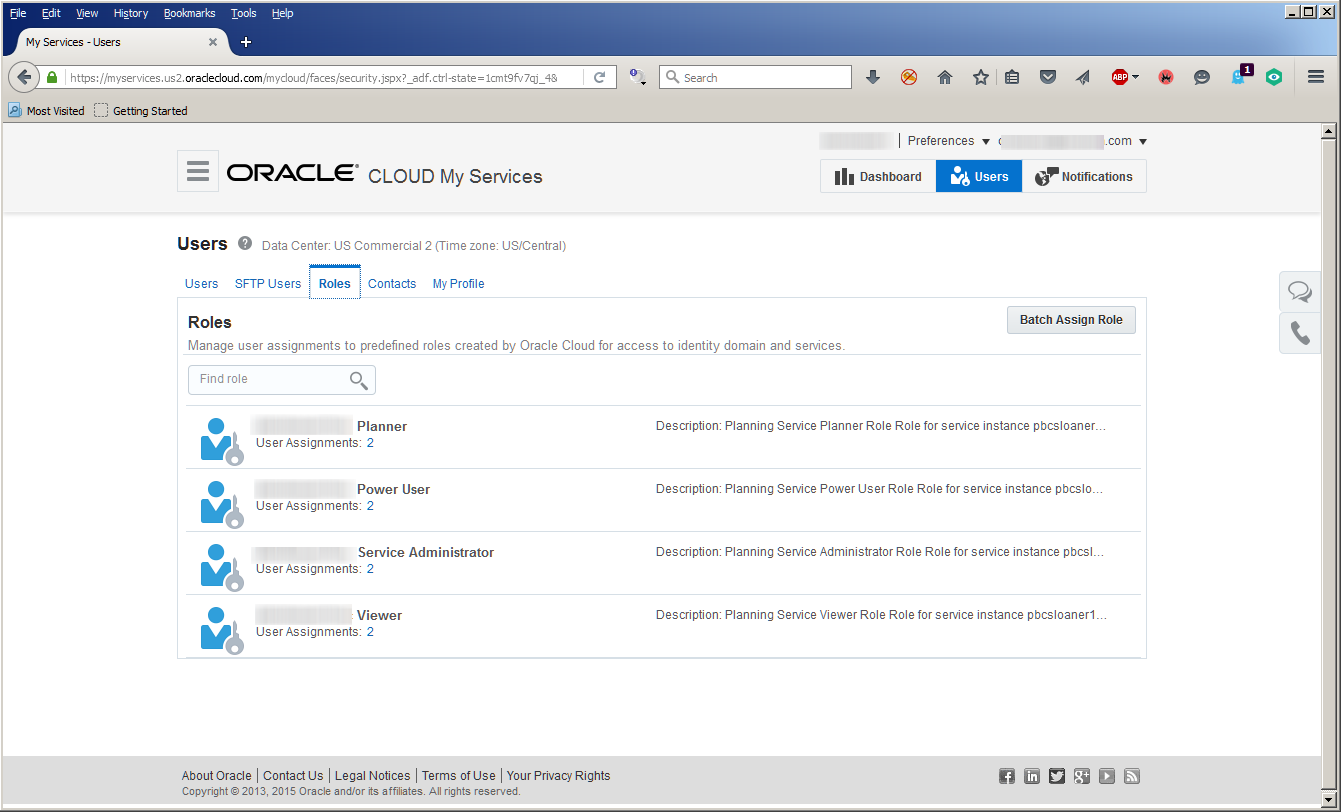
PBCS user roles:

As well as contact and account management (there’s not much to see and even I weary of cut and paste).

Wot’ll she do, mister?

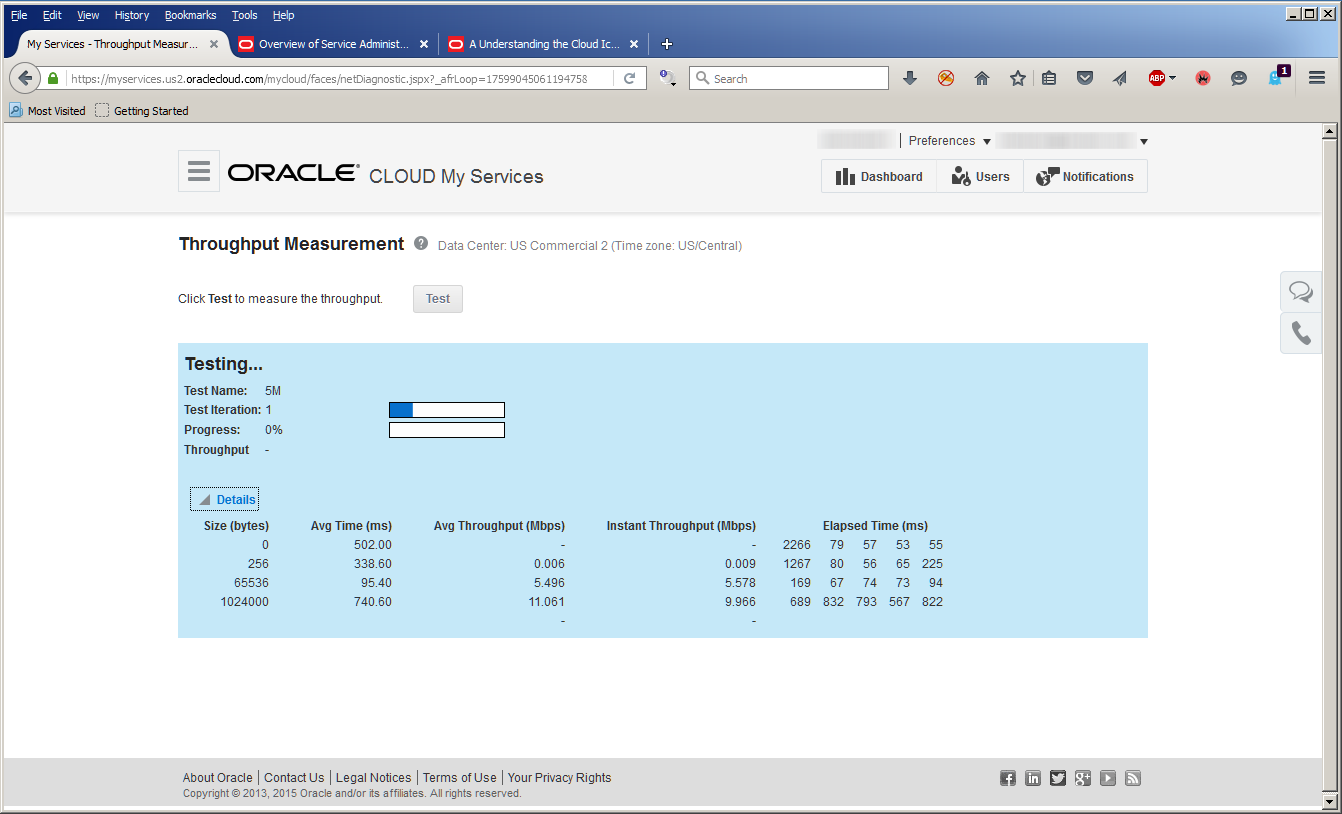
Concerned about how long it will take upload that humungous data file?  Here’s my totally lame-o fiber upload speed.  Not actually all that great.

What does this all mean?

I wanted to walk you all through this because I think it’s important to understand how Oracle gets you out of the infrastructure business and yet lets you keep track of everything that is infrastructure.  The information you need, the pain you don’t.  Is there anyone outside of infrastructure consultants who like infrastructure?  Not yr. obt. svt.  And I suspect not you.

As noted in the introduction the next post will finally, finally, finally touch PBCS itself.  I thought it was important for you to understand the underpinnings (documentation, Cloud management) behind the tool.

Be seeing you.
30 December 2015

Do you know who runs the ODTUG EPM Community?

Probably not, but you should

Have you ever wondered who makes the ODTUG EPM Community initiatives come off?  I don’t mean Kscope (there’s a Conference Committee for that) but instead the webinars, the Kscope EPM Monday Night EPM event, the Technical Journal articles, the regional meetups, and the quarterly newsletter?

In large part, you do Oh Gentle reader do when you present a webinar, or have fun on Monday night, or write a whitepaper, or help out with the newsletter, or attend a meetup.  But who organizes those initiatives?  Why do they even exist?

‘Cos

These initiatives exist, and engage you, and succeed because of volunteers.  Volunteers who are just like you or yr. obt. svt. only crazier more dedicated.  They’re ODUTG volunteers that serve everyone in the EPM community within and without ODTUG.  That’s right – ODTUG is the foundation of these enterprises but they serve all EPM practitioners everywhere.  It sounds kind of awesome and it is.

They (and yes, I’m going to get to them in a moment so please bear with me) recruit webinar speakers (hey, if you’re interested in presenting an ODTUG webinar, sign up here), organize the Monday Night Kscope event, recruit Technical Journal writers, appleseed EPM meetups, and recruit writers, write articles themselves, and edit the quarterly newsletter.  None of this happens by magic and all of it happens for “free” to your benefit.  Have you noticed how these activities have picked up over the last year?  That’s not a happy accident but instead the outcome of a group of talented and hardworking individuals.

We happy few

This is the first in a series of posts on ODTUG’s EPM community and in future posts I’ll highlight each of the volunteers, but for this first go round I shall leave the panegyrics to a simple listing of the volunteers and their roles and responsibilities.  As promised, more detail will follow.

*A note and a happy one about GaryC (two Gary’s overwhelm my limited mind so I refer to them as GaryC and GaryA, probably to their intense annoyance):  GaryC is a recently elected ODTUG board member and as the EPM community is run by EPM community members, not the Board of Directors, he had to find a replacement.  I’m glad to note that GaryC has a namesake colleague GaryA just as interested in the EPM community.  Also, the almost-the-same names keeps my level of naming confusion to a minimum.  Sort of.

What about yr. obt. svt.?

I’m very happy to report that I am entering my last year on the board (not actually happy about that) and thus my last year as the EPM community liaison to the BoD (Hmm, not happy about that either but such are term limits.  That’s the way she goes.).  What does that title mean?  While I would love to tell you that it means I expend an enormous amount of hard work, that the success of these initiatives are due to my sterling efforts, etc. the role really is only keeping an eye on what the EPM community does and bringing any requests for funding or direction to the attention of the BoD.  It’s an easy billet.

More coming

As noted, you’ll see more on the EPM community, what we’re doing, and how you can contribute as well as benefit from these volunteers’ hard work.

Be seeing you.
18 December 2015

The Compleat Idiot's Guide to PBCS, No. 2. – Philip Hulsebosch's blog

Yeah, I’m stealing the content

Well, not really, more like giving a little publicity to a blog that most of this particular blog’s readers do not read.  

It’s by Philip Hulsebosch.  For those of you who don’t know Philip, he’s an accomplished EPM practitioner who has presented multiple times at Kscope as well as a prolific writer of white papers.

For some odd reason (Dear non-anglophone readers, please enjoy the following example of cultural arrogance) this blog is written in German instead of English.  Given that my German mostly consists of types of beers and descriptions of delicious meat dishes, I have been happy to turn to Google translate to get a rather good account of Philip has been up to.  

For the record, I understand that people not in the States speak other languages.  Once upon a time, even yr. obt. svt. could speak Vlaams.  Disuse has ended whatever I could communicate in something other than English.  Although some would argue that even my native tounge isn't something I've really mastered.

For those of you who are not fully monolingual, here’s Philip’s post in the original German:

And here it is in the Queen’s English:

Or to shorten that:  PBCS for a week.

What’s it all about, Alfie?

Do I have to put in that Michael Caine reference again?  Just listen to Cilla Black sing.  What a fantastic movie.  But I digress.  Again.

Moving beyond British movies from the 1960s, Philip covers:
  • Data center location
  • Planning user roles
  • Reports
  • Data export (quite a bit on this)

What I particularly like about Philip’s approach is that he is coming at these functions as someone who has experience in on-premises Planning but is a Cloud n00b.  Sort of just like me and perhaps you as well.

I have high hopes for many more posts from Philip.  You should too.

Be seeing you.

17 December 2015

One of these Smart Views is not like the other, one of these things does not belong

You must look for the clew

A hat tip must be given to Gary Adashek aka @GADASHEK for it is his hard work and (apparently) incessant nagging that got this superduper feature.  See, mega multinational colossus software companies do listen to their customers.

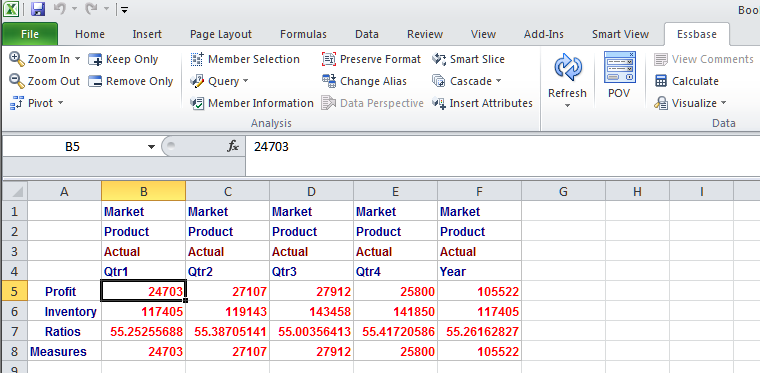
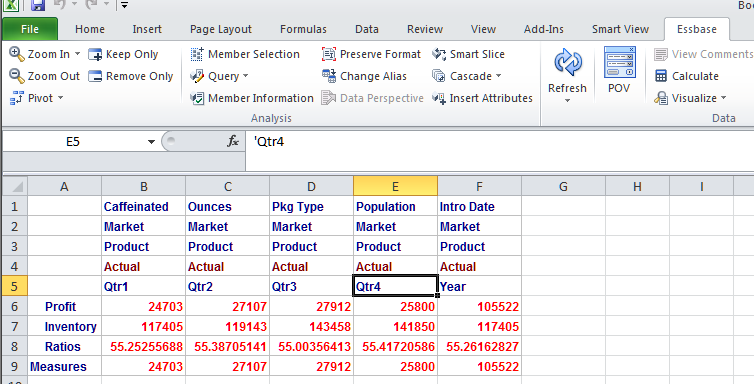
Have a looky loo at the below two screenshots.

More than one red herring

Things you should discount:
  • Excel 2013 versus Excel 2010
  • Slightly different formatting styles (I used the bold red for data to show that I could write to an intersection via a ugly filter)
  • Cell C3 versus B5

Do you see it?

Standard

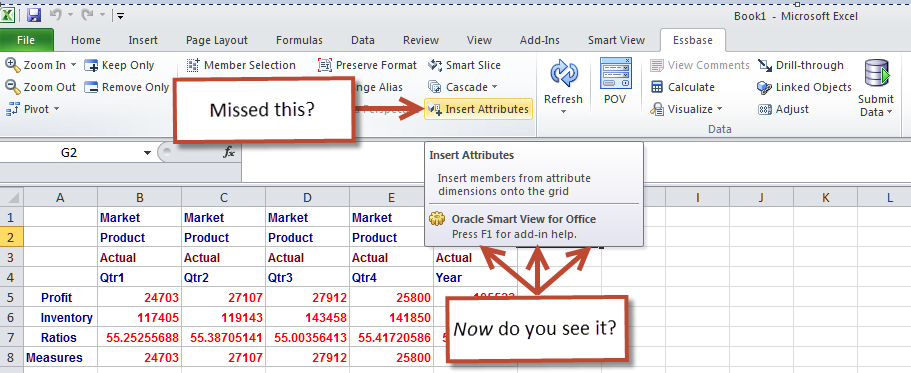
Something new has been added

Still can’t see it?  That’s not very Holmesian.  

Gotcha!

Perhaps the subtle visual hints below help.

Going walkies
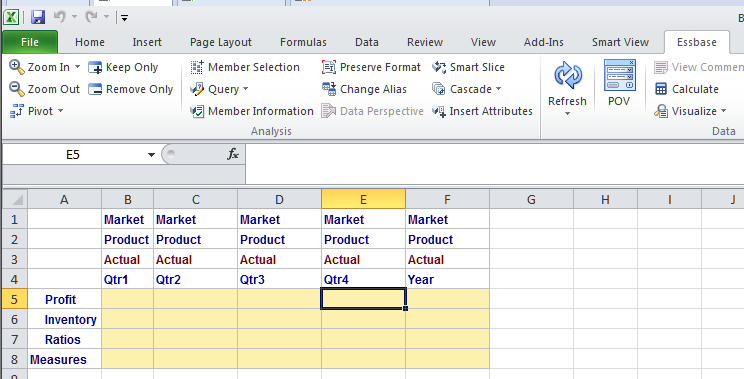
Let’s clear out that grid.

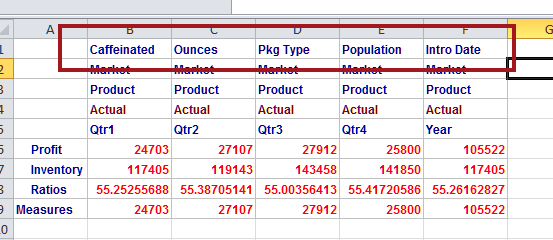
Click on “Insert Attributes” and the magic occurs.  

There they are, the five attribute dimensions from Good Old Sample Basic aka MVFEDITWWD.  No more guesing or going into the Member Selection dialog.  Finally!

There is one teensy weensy problem


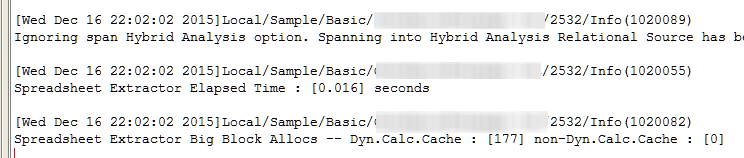
That Insert Attributes selection?  It performs a retrieve.  Sample.Basic retrieves the top of the house on 0.016 seconds but for all of my love of this database, it isn’t exactly a real world example.

How do I know that Insert Attributes does this?  I know because I tried this out on an ASO database with 15 attribute dimensions (I swear, not my design) and Smart View…went away for a while.  Bummer.

Imagine that retrieve against a BSO database.  Double bummer.

Could Oracle fix this?  Absolutely – just turn off the retrieve when the dimensions are on the sheet.  It isn’t as though the data value would be any different and the function would be faster, much faster.  Also that would give the user a chance to remove the attributes he doesn’t want.  Surely this is possible, says the geek who actually has zero idea how hard this is.  Never let it be said that I let my ignorance get in the way of my wishes.  Oops, wait…

How do you get this?  It’s as easy as pi.

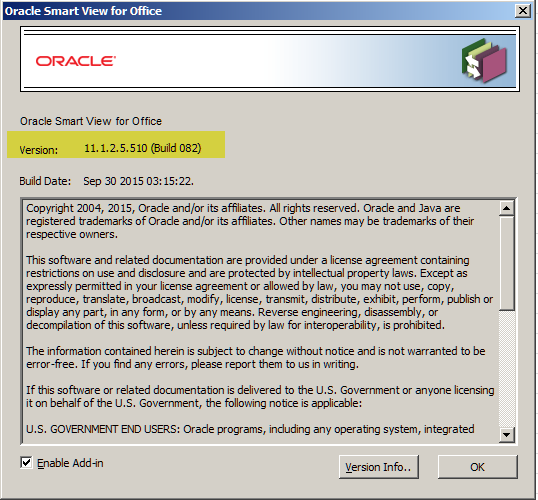
Simply download the latest version of Smart View.  For those of you reading this in December 2015, that’s release 11.1.2.5.510.  What could be easier?

Again a big thanks

Gary Adashek is the one to thank, not yr. obt. svt. as I would have figured this out in approximately eleventy billion years.

This is pretty cool and proof that Smart View’s progress continues apace.

Be seeing you.